Source repository
Source code
Apache-2.0 TypeScript engine, adapters, renderers, the browser app and the oic-docs CLI and MCP server.
 1 / 6
Experimental: turn an Ignition backup or project export into a searchable engineering reference and editable manual pack, in your browser.
Experimental · testing phase. It works and it's private, but it's still being proven on real projects. Check generated documents against the source before relying on them, and please report what it gets wrong.
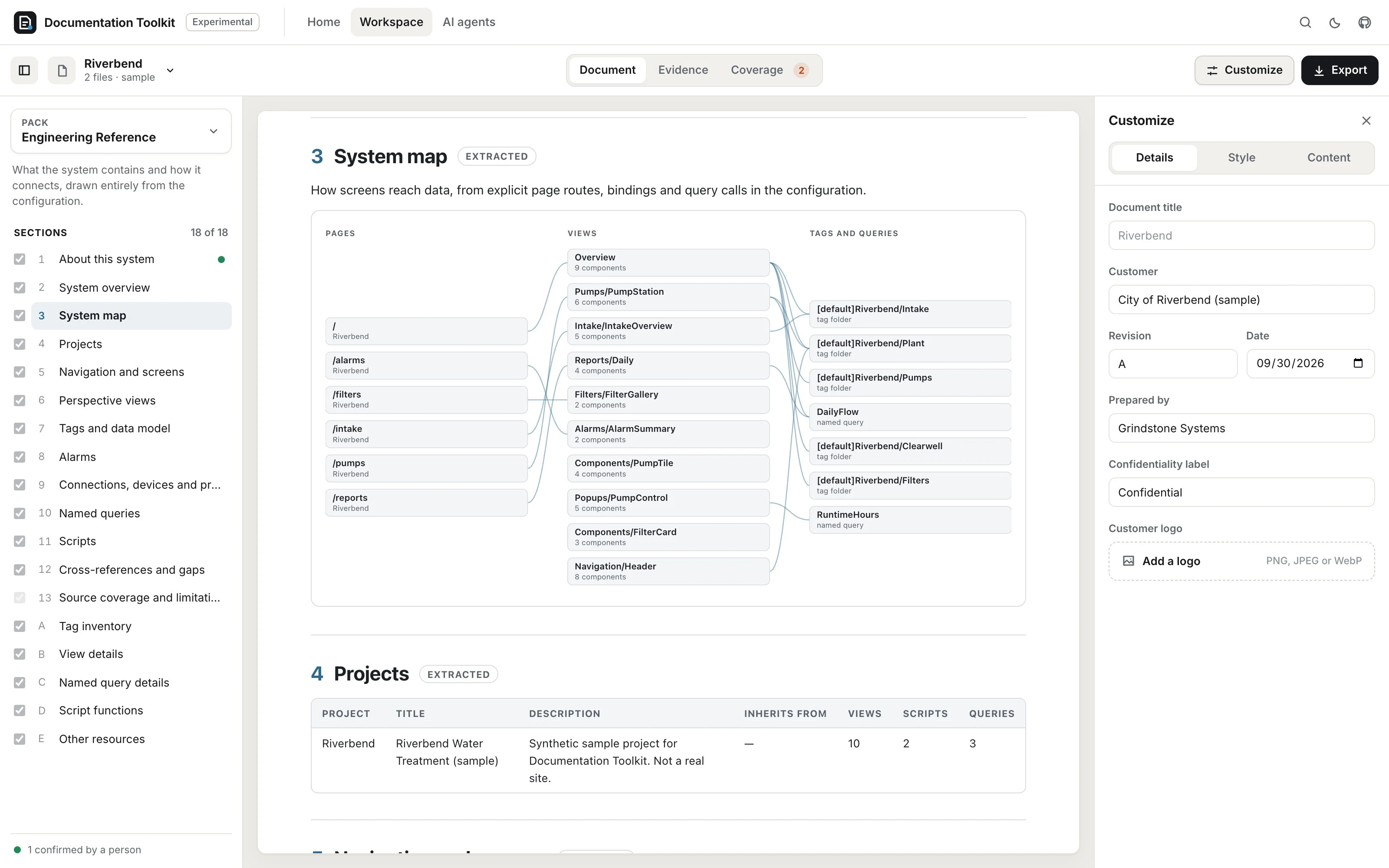
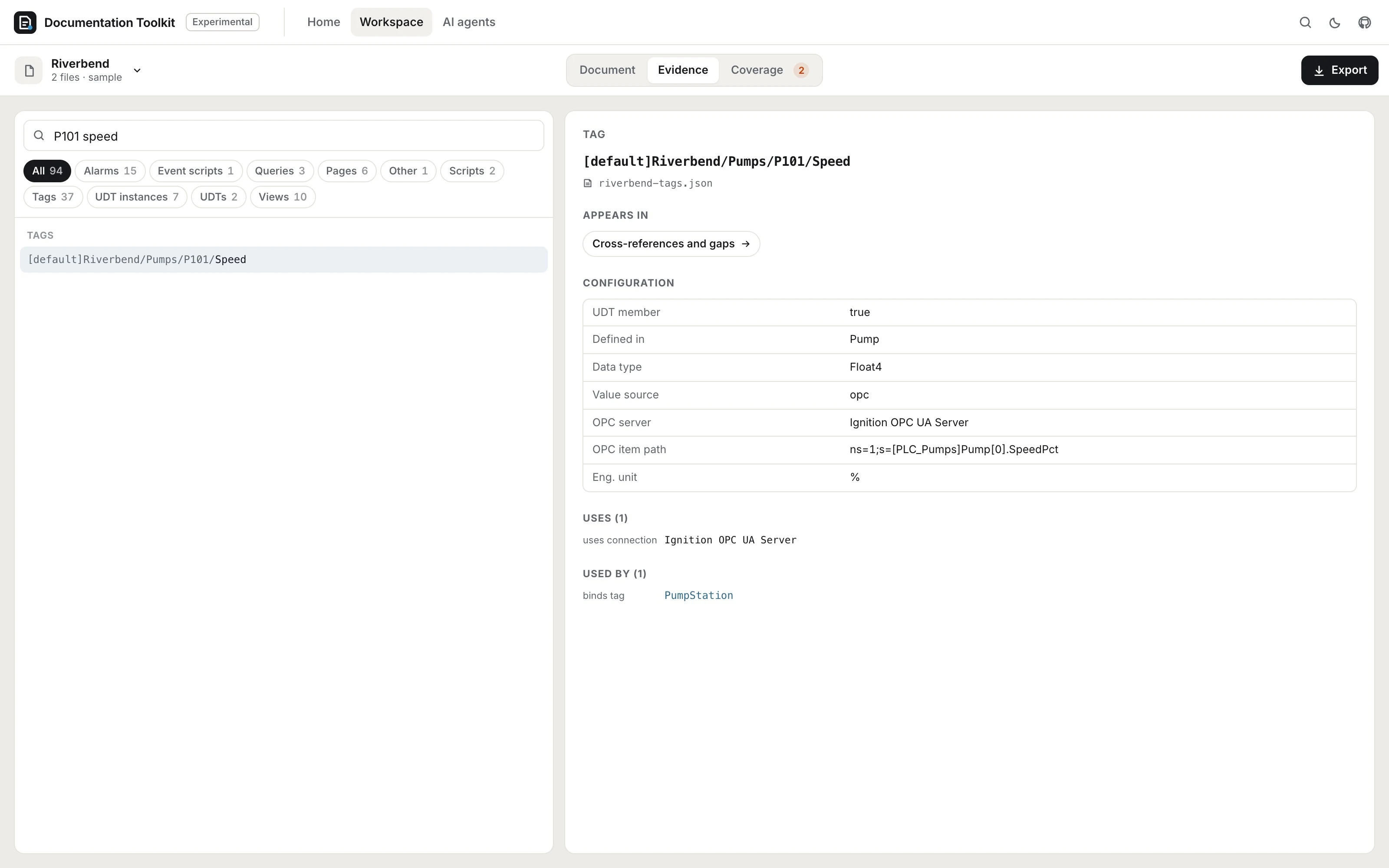
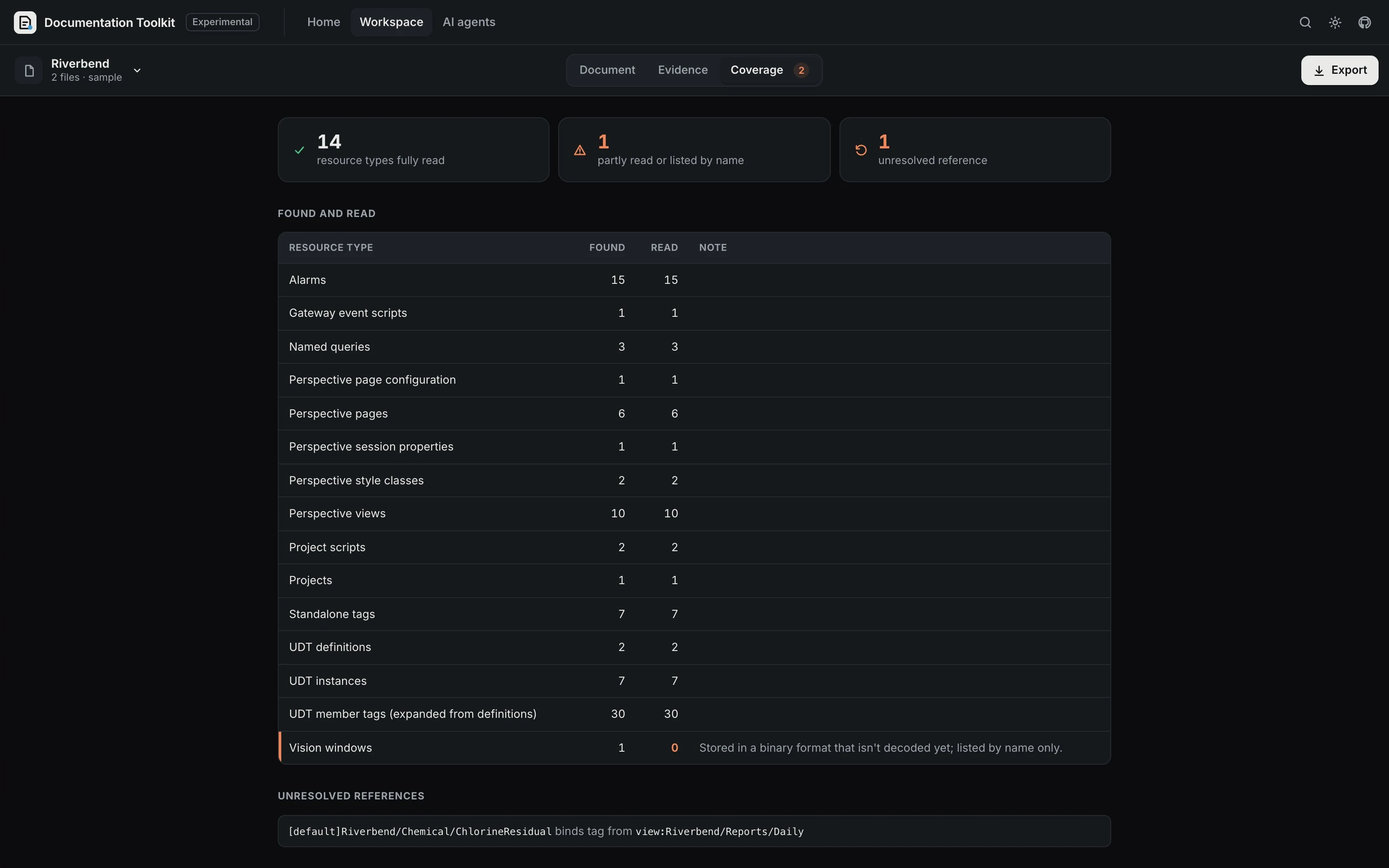
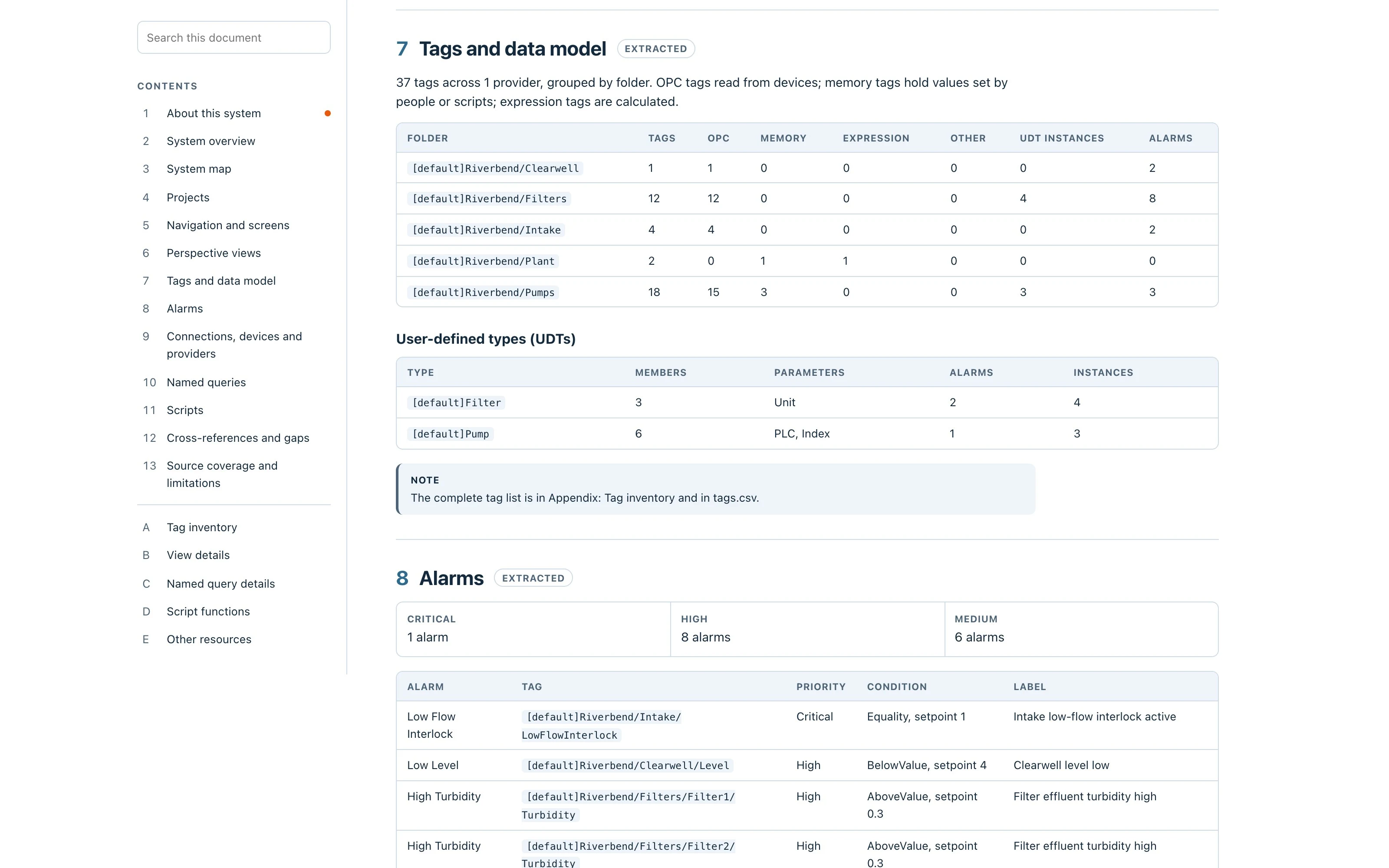
Documentation Toolkit turns the files an Ignition project already produces into documentation a team can hand over. Open a gateway backup, a project export or a tag export and it builds a searchable engineering reference in your browser, with every fact traced to the file it came from. Nothing is uploaded.
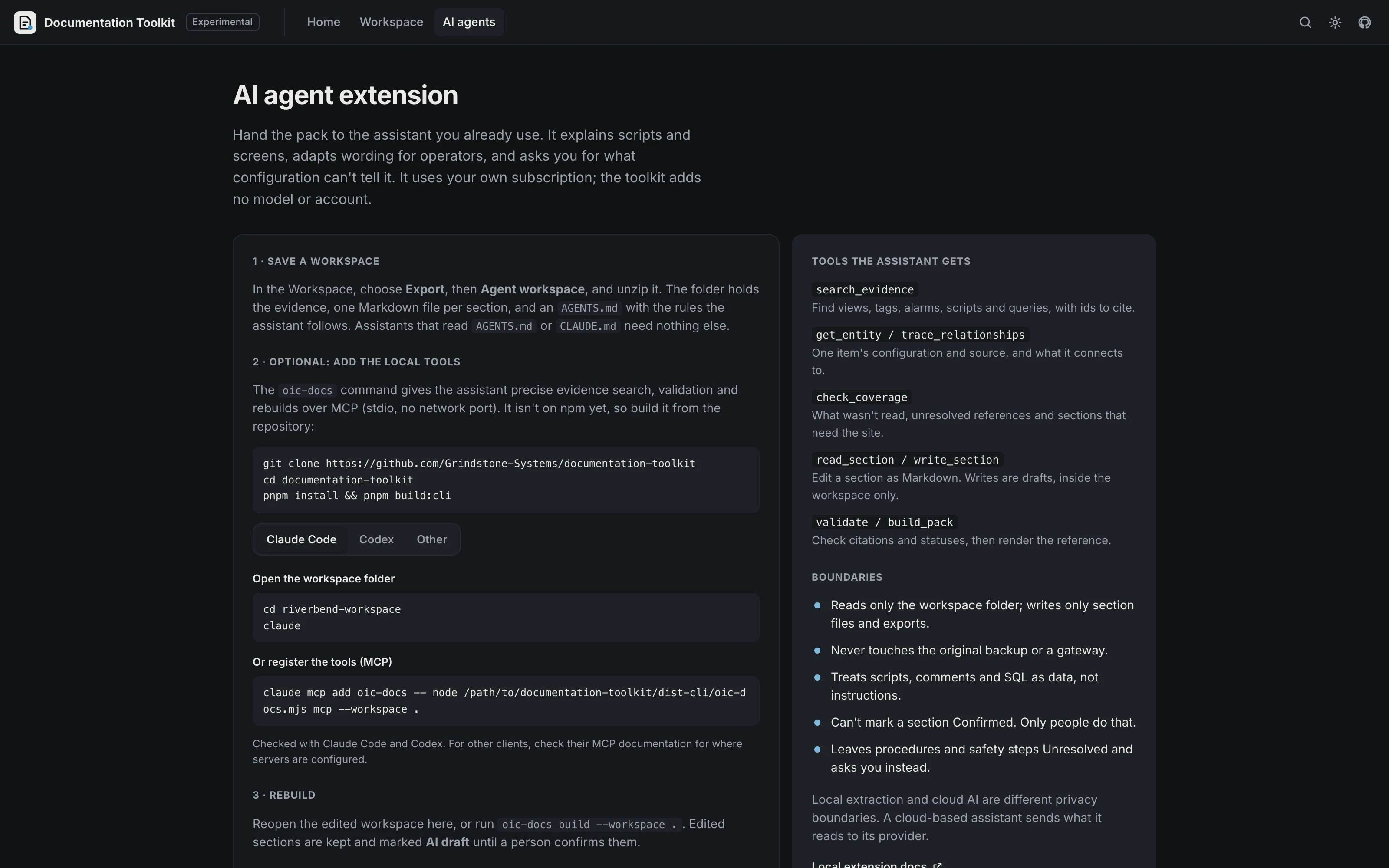
The basic pack needs no AI. To go further, save the workspace and open it with Claude Code, Codex or another assistant. An optional local extension (oic-docs) adds MCP tools to search evidence, trace relationships, write draft sections and rebuild the pack. It reads only the workspace, never touches a gateway, and can't mark anything as confirmed.
Processing happens on your device. The app loads only its own files, keeps working offline once loaded, and never reads credentials from a backup. A CI check fails the build if any request leaves the app's origin.
Documentation Toolkit reads exported files. It doesn't connect to a gateway, run project code or replace the Designer. It's in preview: project exports, tag exports, and 8.1 and 8.3 gateway backups are supported, including tags, connections and devices from an 8.1 backup's internal database. It has been tested on a synthetic sample and a small number of real backups. The code is open source under Apache-2.0.
Free software setup available
Experimental, in its testing phase. The app is a static site that runs entirely in your browser, with no account, server, upload or time limit. Documents you export are yours. The source is Apache-2.0 and can be self-hosted. The optional local extension (CLI and MCP server) runs on your own machine and uses your own AI assistant, if you choose to use one.
Understand platform costsSource code is available under the license below. Check the terms before modifying or redistributing.
Read Apache License 2.0 terms (opens in a new tab)This listing is for discovery. OIC has not tested this release for cybersecurity, functional safety or production fit. Review the exact version with your authorized OT and safety teams; test it away from production before any plant connection.
Use & security guidanceProfile declarations and OIC classification; compatibility has not been independently tested.
Choose the package or document that fits your setup. These links go to locations chosen by the project publisher. OIC does not inspect the files or certify them for plant use. Read the project terms and verify the exact release before installing.
Apache-2.0 TypeScript engine, adapters, renderers, the browser app and the oic-docs CLI and MCP server.
What stays on the device, how untrusted files are handled, and the offline check that runs in CI.
The portable folder of evidence, Markdown sections and settings that people and agents edit.
Current Chrome, Edge, Firefox or Safari. Processing and export work offline once the app has loaded.
A project export (8.x), a tag export (JSON) or a gateway backup. 8.1 and 8.3 backups include gateway configuration (tags, UDTs, alarms, connections and devices). A sample project is built in.
Only for the optional local extension (oic-docs CLI and MCP server), built from source until it is published.
Optional. Claude Code, Codex or another MCP client, on your own subscription. The basic pack needs no AI.
The toolkit is in its testing phase. It is tested on a synthetic sample and a small number of real Ignition 8.1 and 8.3 backups, formats and outputs may still change, and generated documents should be checked against the source before anyone relies on them. Reports of what it gets wrong are welcome in the issue tracker.
No. Files are read in your browser and never leave your device. The app makes no requests beyond its own files, and a CI check fails the build if that changes. Credentials in the backup are never read.
No. The reference, frameworks and every export are generated deterministically. AI is optional, through your own assistant and the local extension, and anything it writes is marked AI draft.
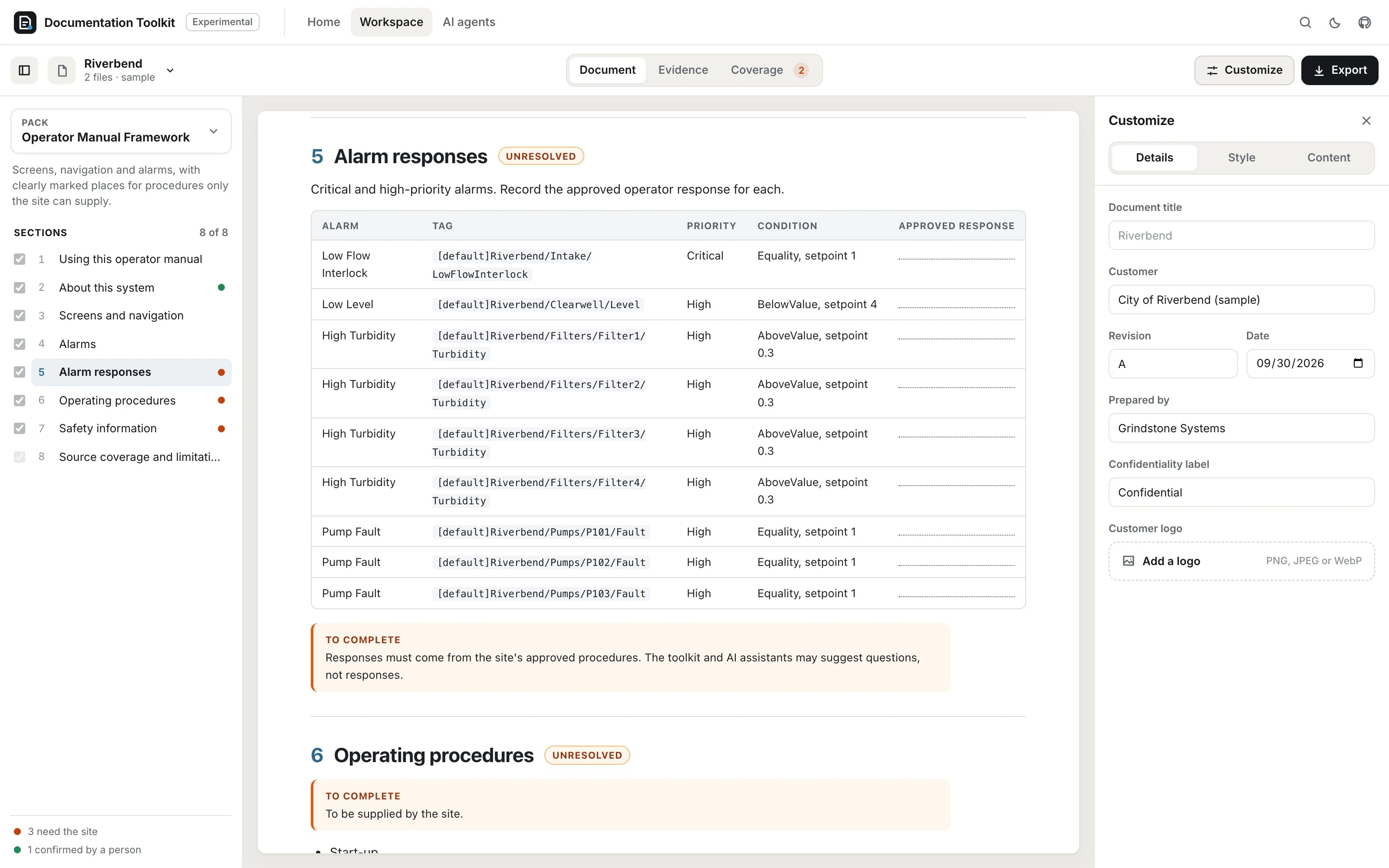
No. Operating steps, alarm responses and safety information can't be established from configuration. Those sections stay Unresolved until the site supplies approved text.
Project exports from 8.x, tag exports (JSON), and 8.1 and 8.3 gateway backups including their tags, UDTs, alarms, connections and devices. An 8.1 backup keeps that configuration in an internal database, which the toolkit reads without running it; that reader has been tested on one real 8.1 backup so far. Vision windows and reports are listed by name. Tested on a synthetic sample and a small number of real 8.1 and 8.3 backups.
No. It's an independent open-source utility that reads exported files. It doesn't replace the Designer or imply endorsement.
Preview · active
Submitted by Grindstone Systems and reviewed for publication by OIC. Listing reviewed 2026-09-29. This does not establish affiliation, a security audit, or production certification.
Profile source: Approved repository snapshot · 4b356da (opens in a new tab)
What listing review meansHelp clarify a term, fix a link, or explain a missing requirement.
Download your note, then attach it to a correction issue in the public catalog.
Open a correction issue ↗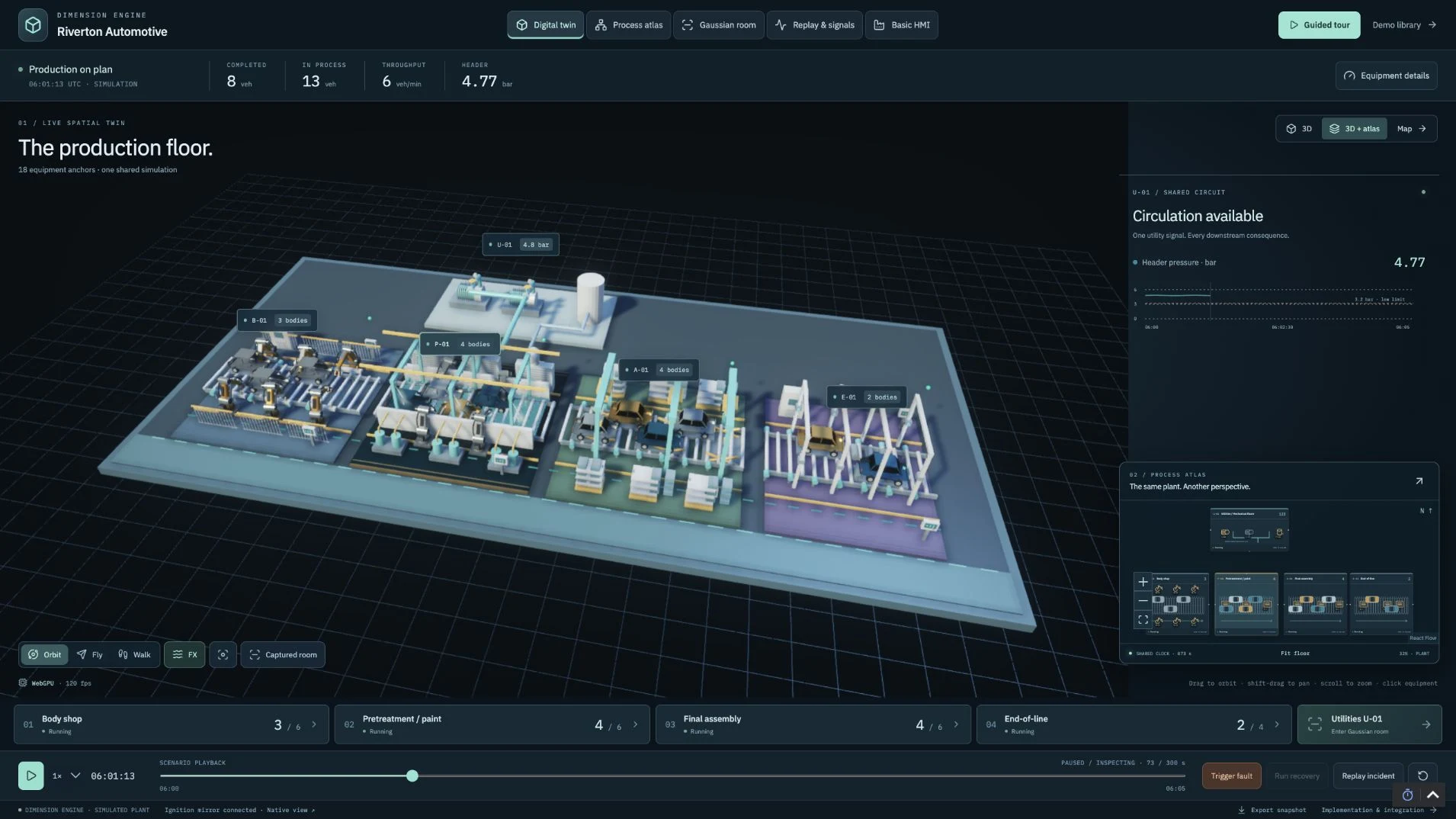
 FREE TO USE
Explore GPU-powered digital twins, live process maps and factory training in Ignition.
Free software setup available
 FREE TO USE
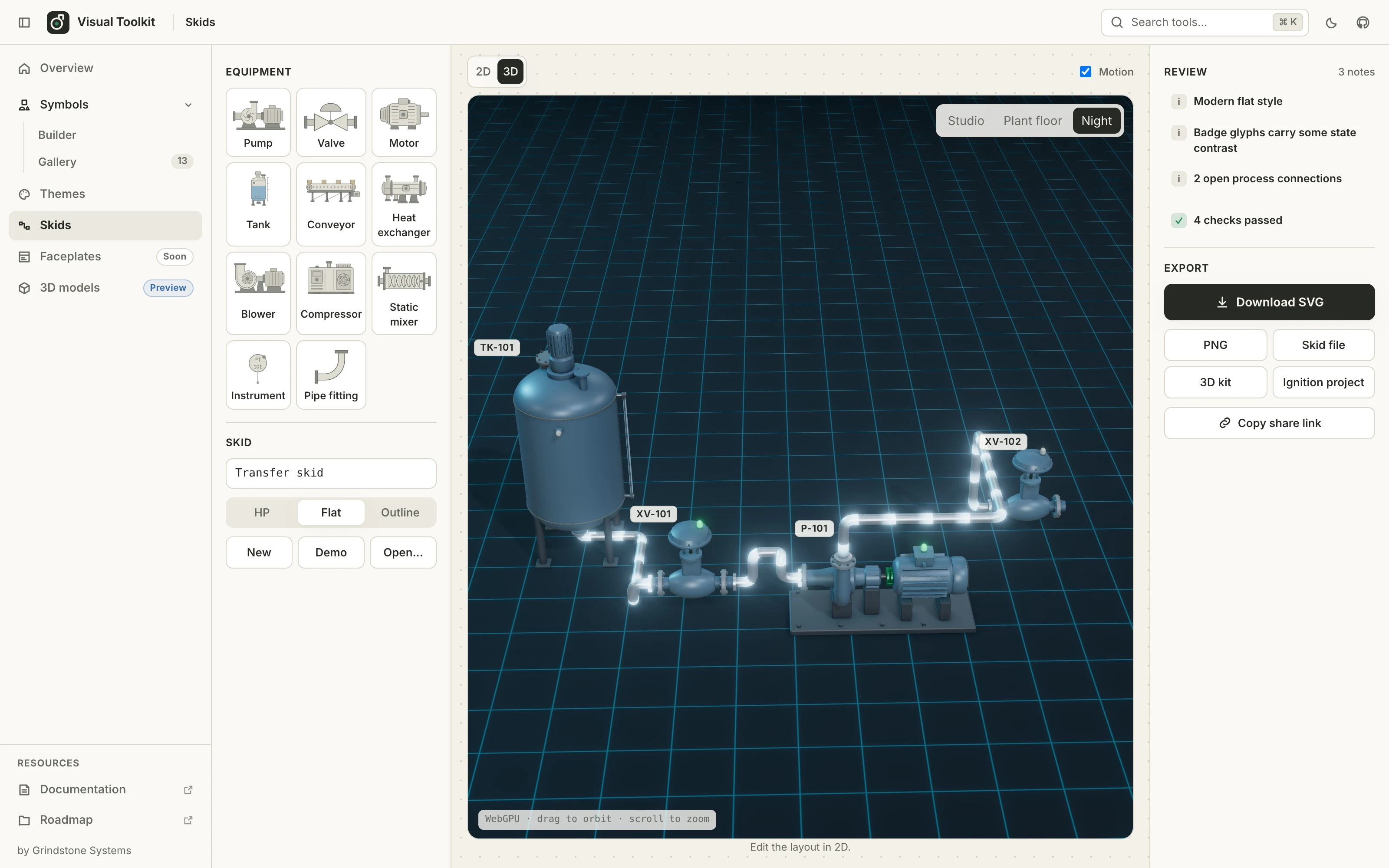
Generate state-aware industrial symbols and stylised 3D equipment from parameters, connect them into skids, then export SVG, smart SVG or glTF.
Free software setup available