
Source repository
Source code
Apache-2.0 TypeScript engine, generators, exporters and the React builder.
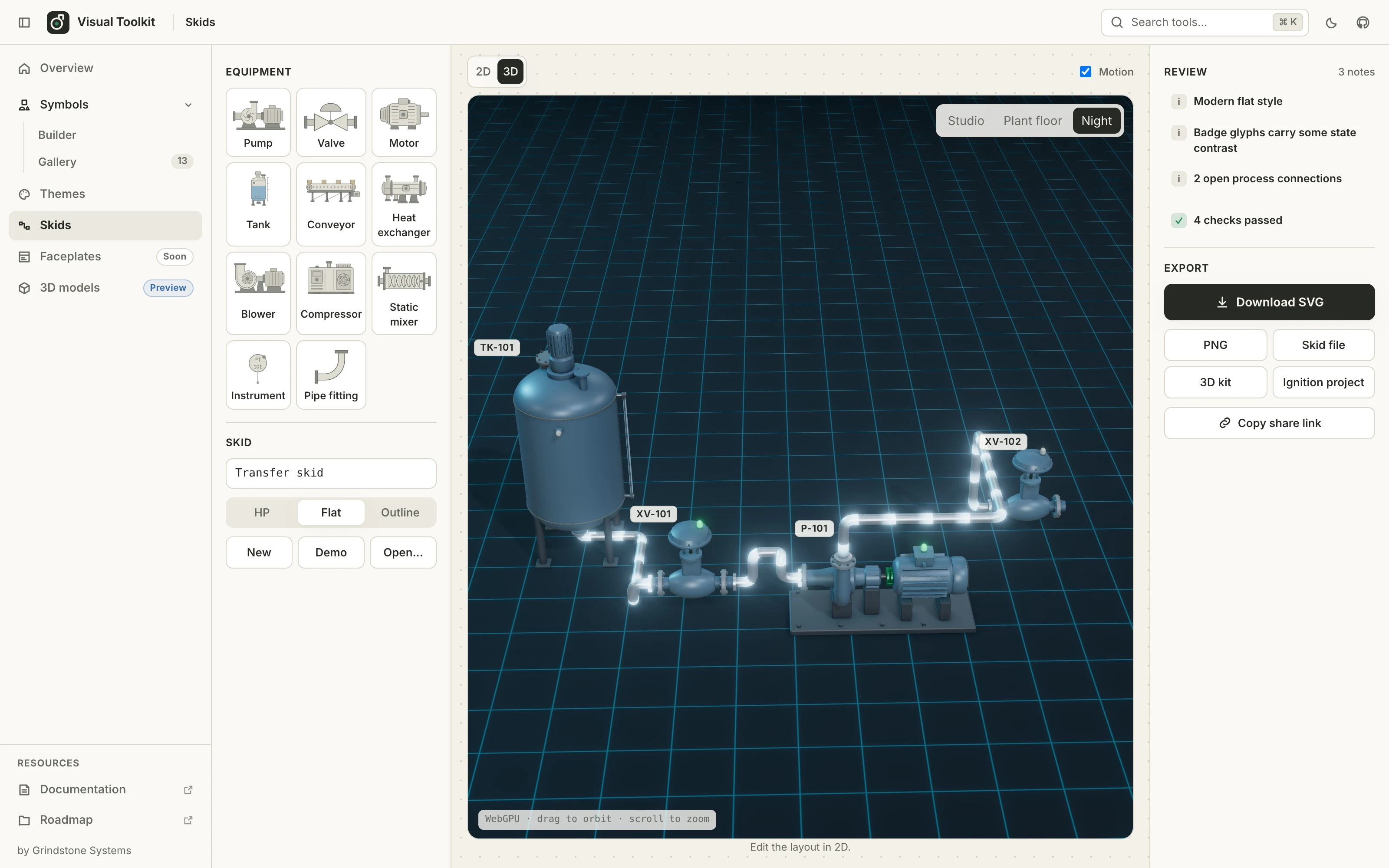
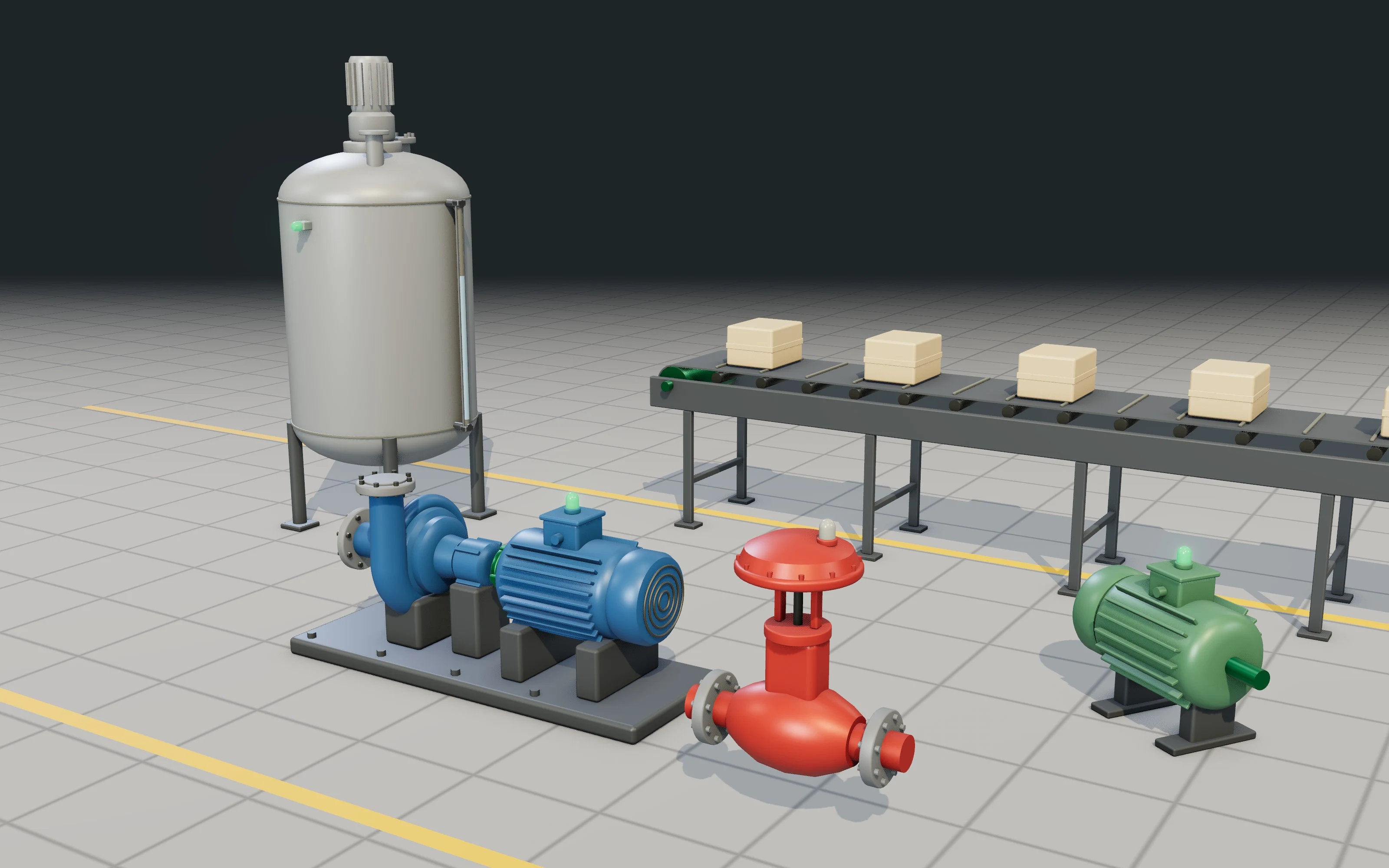
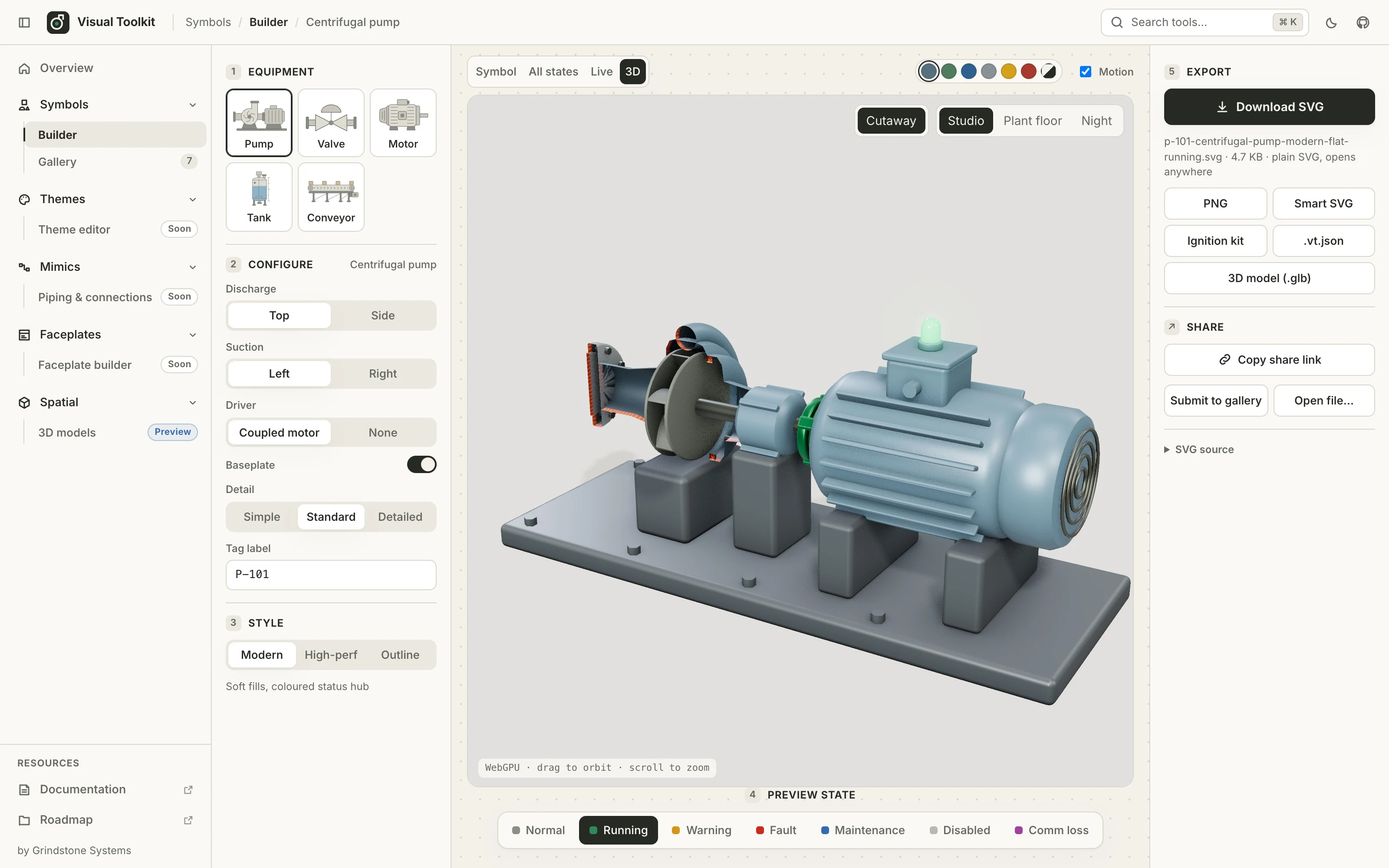
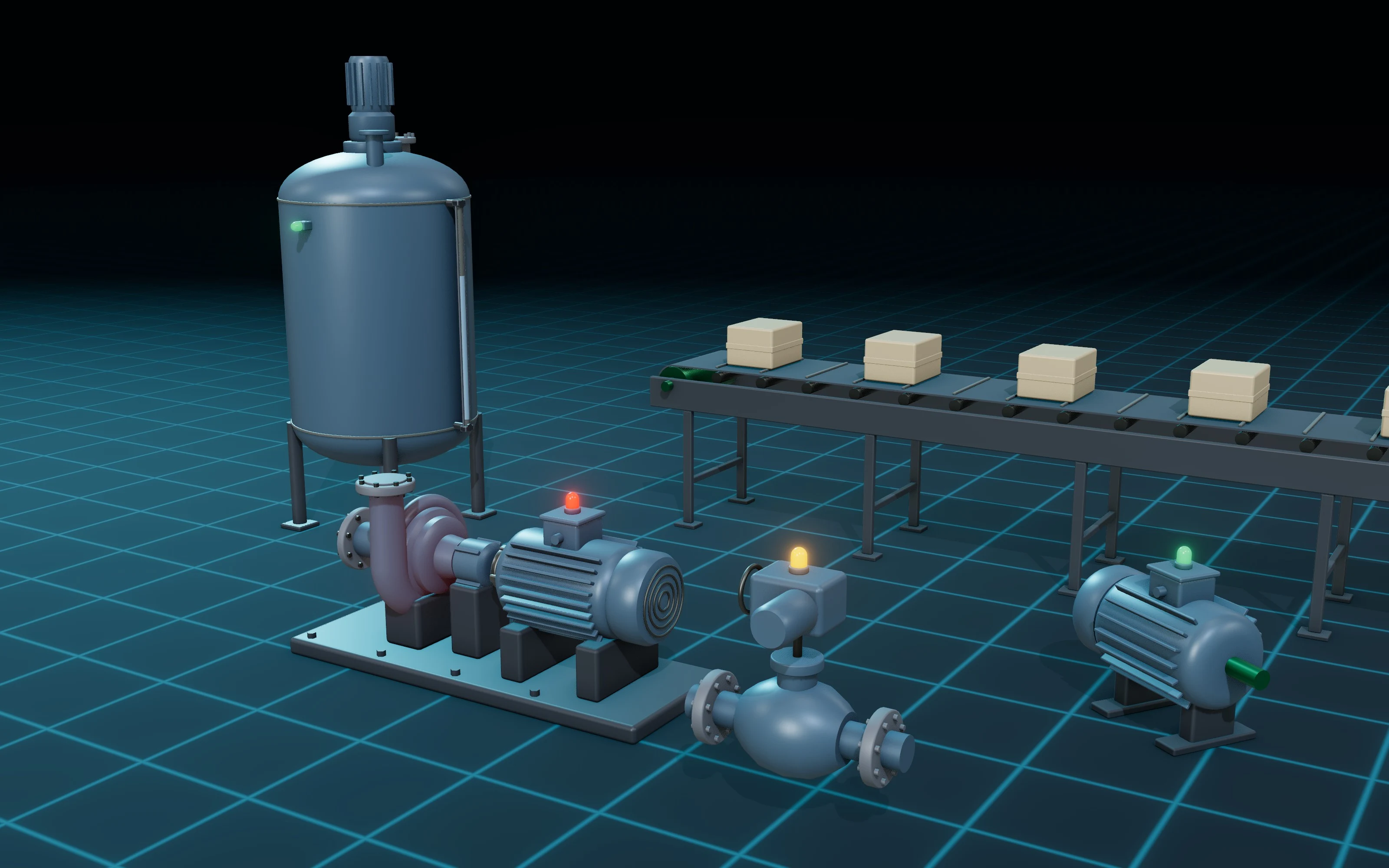
 1 / 7
Generate state-aware industrial symbols and stylised 3D equipment from parameters, connect them into skids, then export SVG, smart SVG or glTF.
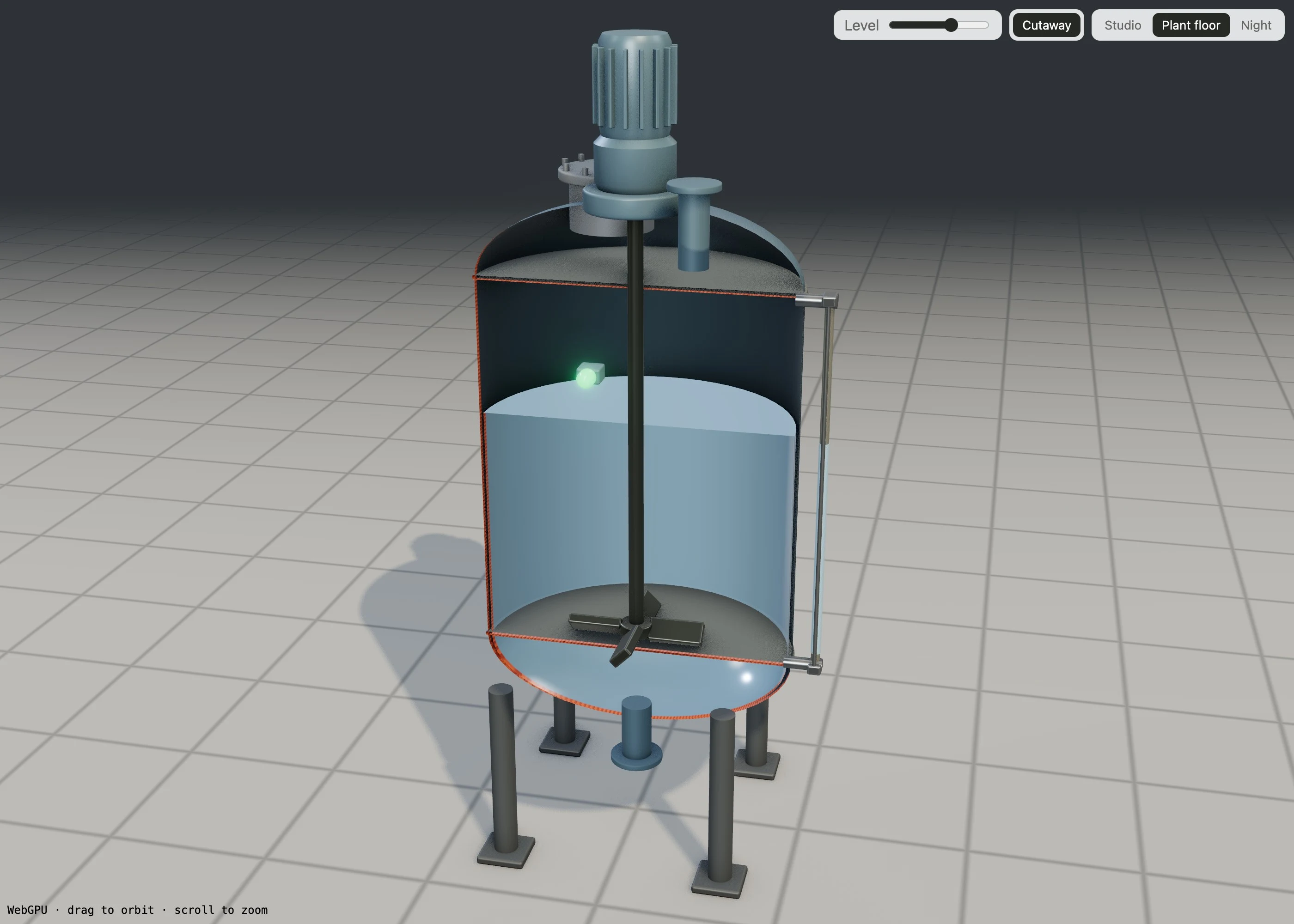
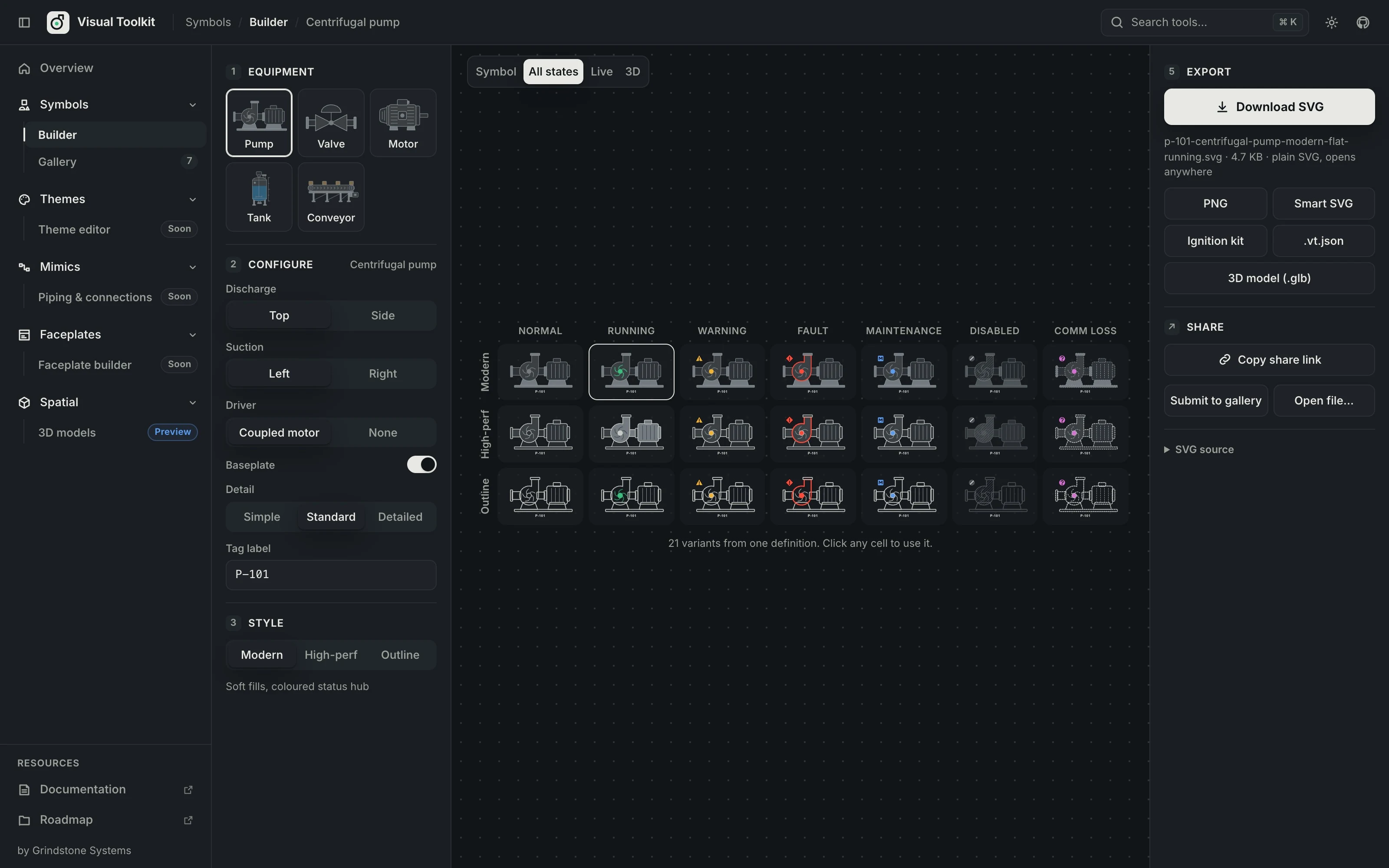
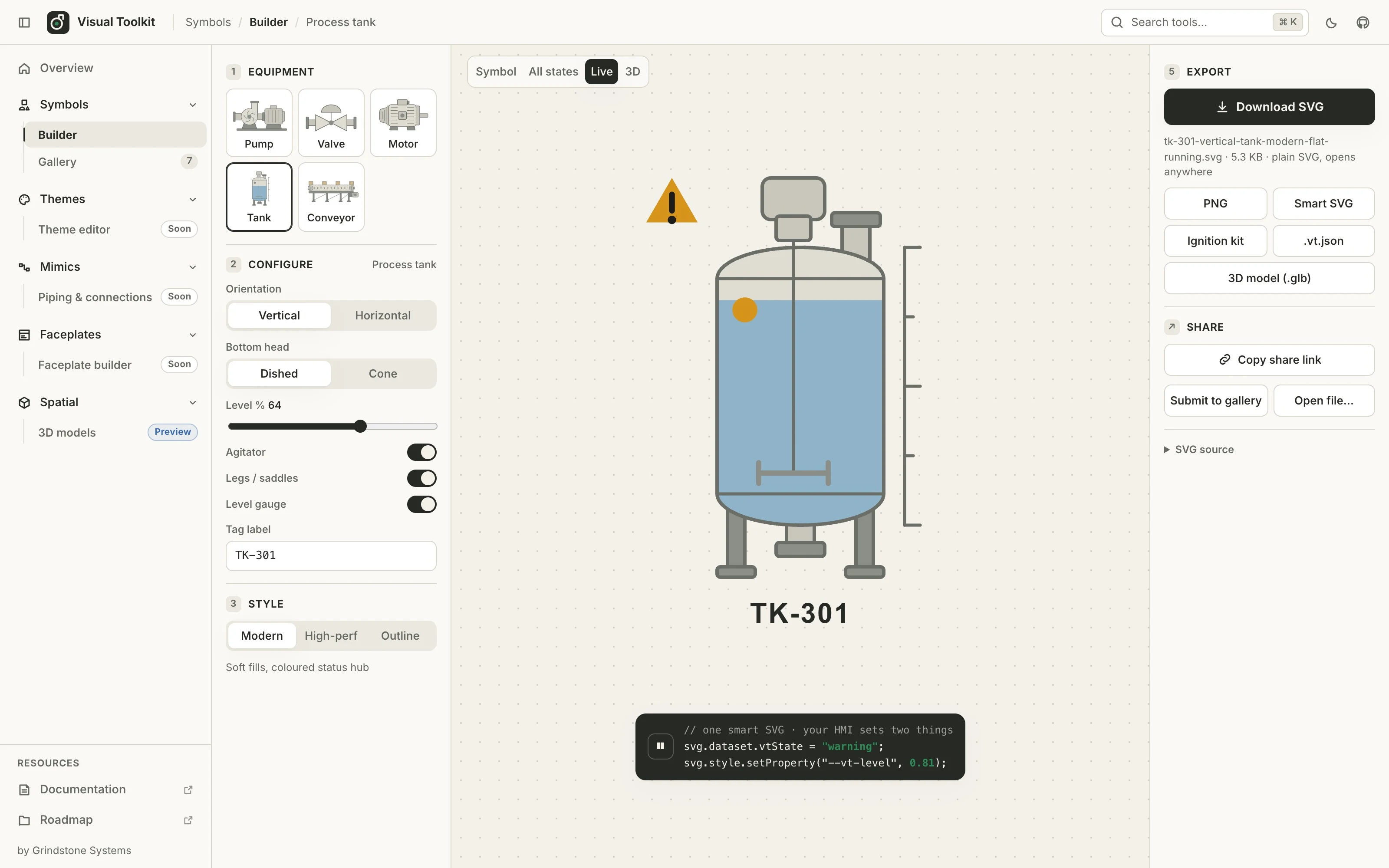
Visual Toolkit creates industrial equipment graphics from parameters instead of from a fixed library. Choose from eleven families (pump, valve, motor, tank, conveyor, heat exchanger, blower, compressor, static mixer, instrument and pipe fitting) and shape it: discharge direction, driver, actuator, heads, length, level, detail. Every symbol follows the same visual language and has seven designed operating states.
data-vt-state, and a tank's level follows --vt-level. No runtime library is needed..glb) with the same part names and states. The 3D view has cutaways, an exploded view, moving product, rippling liquid, and Studio, Plant floor and Night environments..vt-scene.json, a 3D scene kit and an Ignition project: a Perspective view whose equipment and pipes change state with demo memory tags.vt.json object files.glb 3D modelsA design is a recipe of about 150 characters. The address bar is always a share link, and exported SVGs reopen in the builder. Scenes share the same way. Packs bundle designs, and a pull-request gallery collects community designs.
Visual Toolkit creates assets. It does not replace Ignition's Symbol Factory or Perspective Symbols, and it owns no alarming. Wiring to real equipment stays in Ignition. The sample project's memory tags are only for the demo. On an Ignition 8.3.9 gateway, images, tag-driven state sets, the icon repository (colour and mono), the Drawing component, the theme stylesheet and the sample project (installed on the file system) were verified. The guide lists what failed and what is untested.
Everything runs in your browser as a static site, with no account and no server. The code is open source under Apache-2.0.
Free software setup available
The builder is a static site that runs entirely in your browser, with no account, server or time limit. Exported SVG, PNG, glTF and JSON files are yours to use. The source is Apache-2.0 and can be self-hosted. Gallery entries are CC0-1.0.
Understand platform costsSource code is available under the license below. Check the terms before modifying or redistributing.
Read Apache License 2.0 terms (opens in a new tab)This listing is for discovery. OIC has not tested this release for cybersecurity, functional safety or production fit. Review the exact version with your authorized OT and safety teams; test it away from production before any plant connection.
Use & security guidanceIgnition Perspective compatibility reference ↗
Profile declarations and OIC classification; compatibility has not been independently tested.
Choose the package or document that fits your setup. These links go to locations chosen by the project publisher. OIC does not inspect the files or certify them for plant use. Read the project terms and verify the exact release before installing.
Apache-2.0 TypeScript engine, generators, exporters and the React builder.
How renderers switch state, levels, cutaway and effects from the exported .glb.
The 2D builder and exports work in current Chrome, Edge, Firefox and Safari. The 3D view uses WebGPU where available and falls back to WebGL 2.
Only needed to submit a design to the community gallery by pull request. Building, exporting and share links need no account.
Optional destination for exported assets. SVG images, tag-driven state sets, the icon repository, the Drawing component, the theme stylesheet and the scene sample project were verified on an Ignition 8.3.9 gateway. 8.1, the gateway's project-zip import and the Designer's imports are untested.
No. Visual Toolkit generates assets. Ignition keeps tags, bindings, alarming and its native components. Use Perspective Symbols where they fit, and Visual Toolkit for equipment and looks they don't cover.
No. Everything runs in your browser. Share links carry the whole design in the URL fragment, which is never sent to the web server.
Yes. They are standard glTF 2.0 files that pass the Khronos validator and open in three.js, Babylon, PlayCanvas and Blender. Visual Toolkit metadata for states, levels and cutaways travels in the file's extras.
Partly. On a fresh Ignition 8.3.9 gateway, SVG images, state sets swapped by a tag expression, the icon repository, a Drawing with a tag-bound fill and the theme stylesheet all worked. So did the sample project from the skid composer, copied onto the gateway's file system. The guide lists what failed and what is still untested, including 8.1, the gateway's project-zip import and the Designer's imports.
Preview · active
Submitted by Grindstone Systems and reviewed for publication by OIC. Listing reviewed 2026-09-29. This does not establish affiliation, a security audit, or production certification.
Profile source: Approved repository snapshot · 0d3457f (opens in a new tab)
What listing review meansHelp clarify a term, fix a link, or explain a missing requirement.
Download your note, then attach it to a correction issue in the public catalog.
Open a correction issue ↗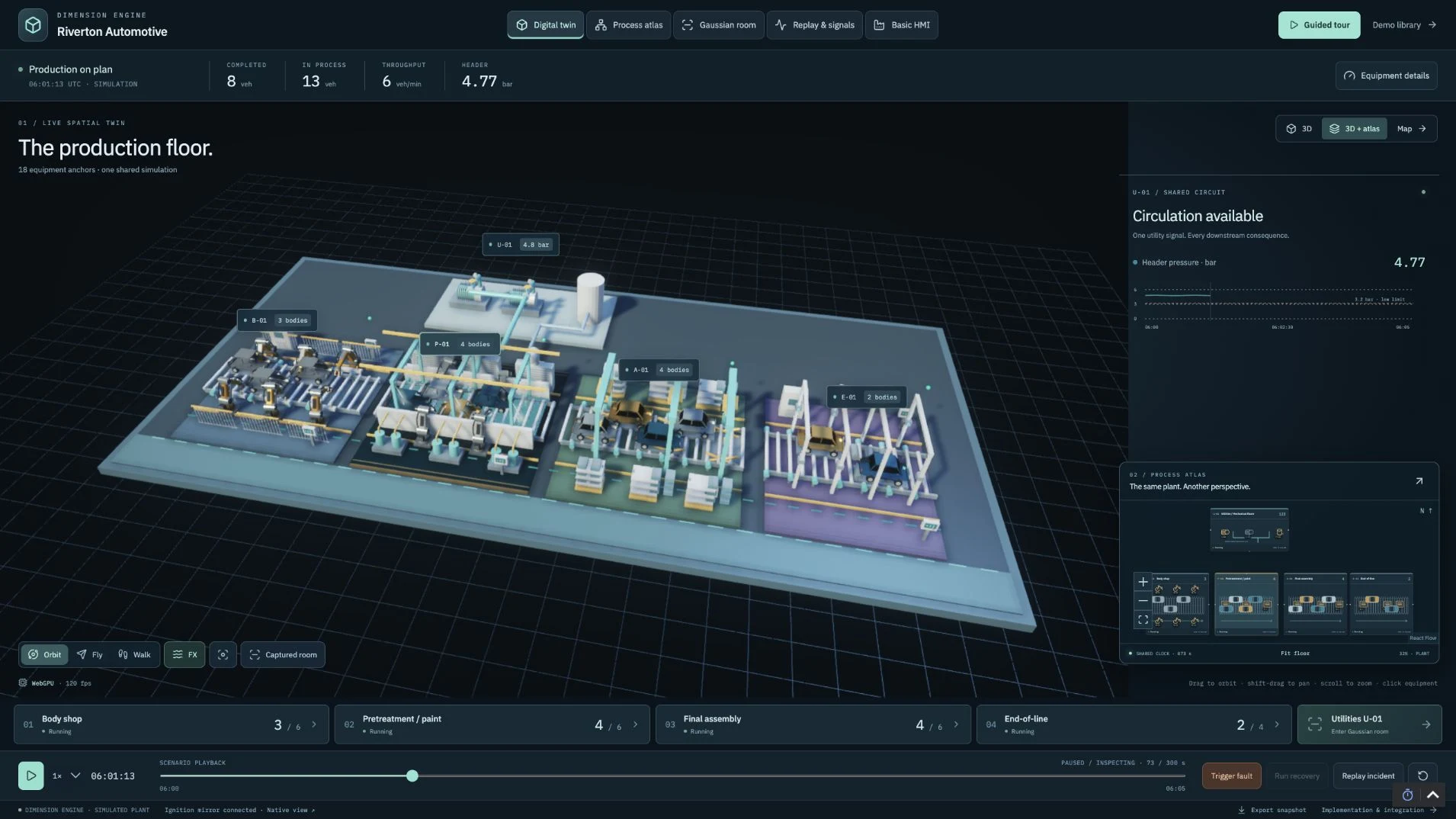
 FREE TO USE
Explore GPU-powered digital twins, live process maps and factory training in Ignition.
Free software setup available
 FREE TO USE
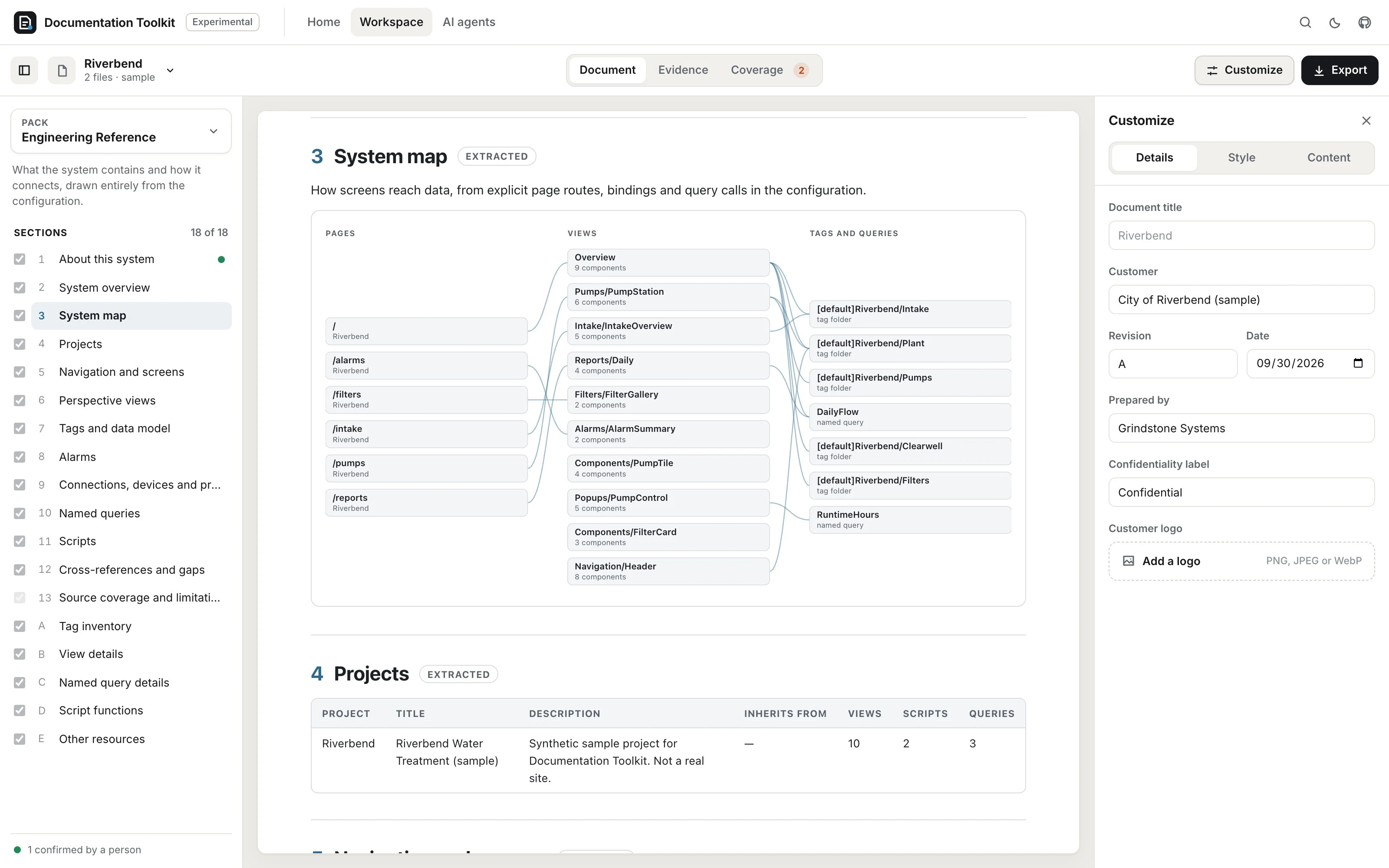
Experimental: turn an Ignition backup or project export into a searchable engineering reference and editable manual pack, in your browser.
Free software setup available